Give intent a path through real systems.
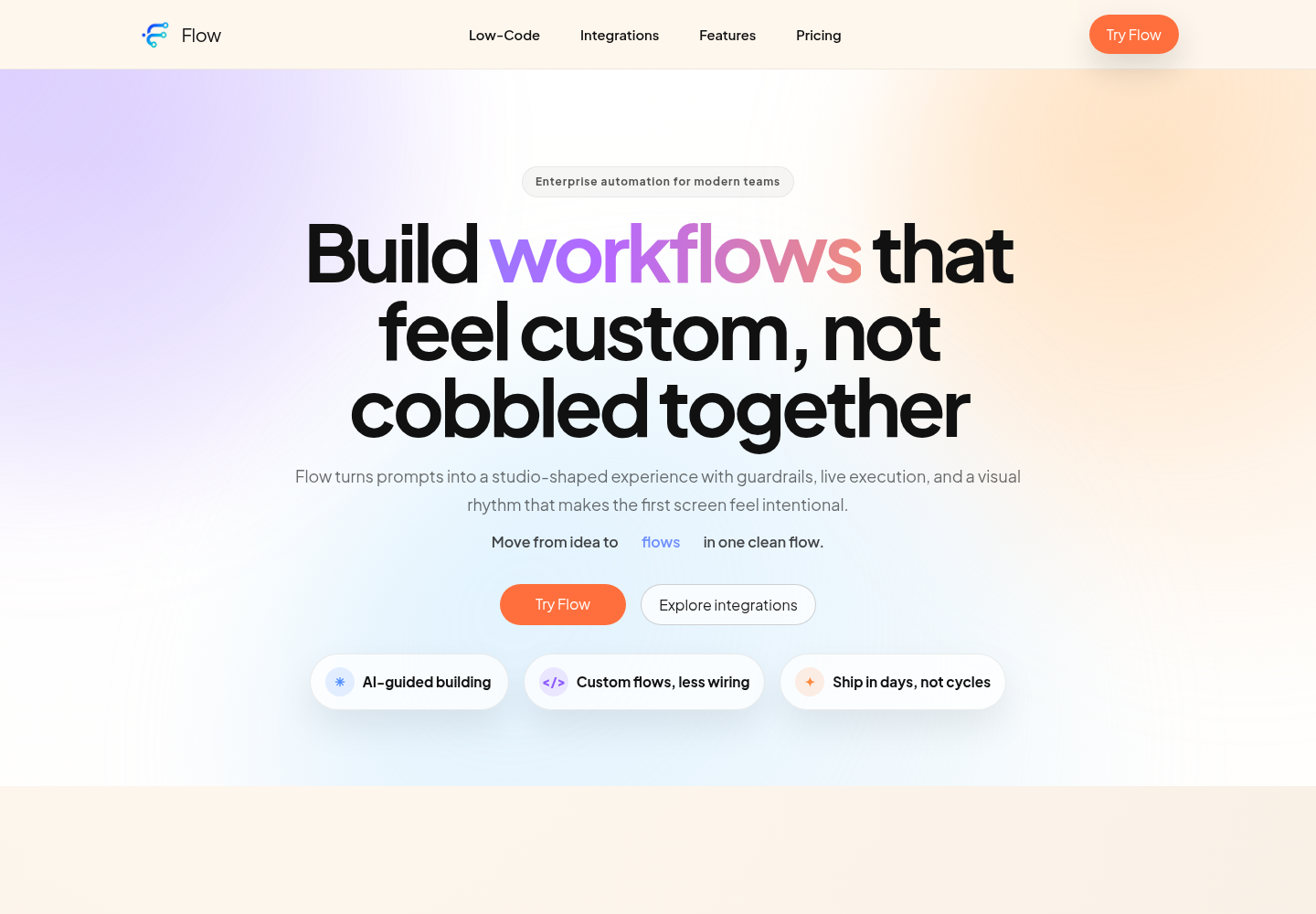
The public Flow product experience: build, run, and observe AI-native automations.
Flow’s public experience presents a visual studio, an AI runtime, and tools for observing execution. Workflows and connectors can be exposed through MCP so an agent can discover and invoke them through a defined interface.
The product connects building, running, and observing workflows. A useful automation needs all three: a clear representation of intent, an executable path, and enough visibility to understand what happened.
From live data to a useful next action.
Power BI is integrated into Flow’s workspace, bringing connected business data, a custom AI chat assistant, and KPI automation into one working experience. A user can explore a dataset, ask for a dashboard, and define what should happen when a metric crosses a threshold.
Connect the data
Connect PostgreSQL, SQL Server, or MySQL and bring selected tables into a Power BI semantic model. Reports use imported data with refresh controls; KPI monitors query the connected database directly on a configured interval.
Create through conversation
The custom analytics assistant turns a natural-language request into a dashboard plan with pages, visuals, and layout. It can also request dataset refreshes and create database-backed KPI monitors, connecting analysis with the next operational step.
Act on changing KPIs
Threshold breaches—and optional recoveries—generate events that can launch an internal Flow workflow or deliver an alert to a configured external webhook. Workflows then connect those events to messaging, app actions, and other services.
- ConnectBusiness database
- UnderstandPower BI + AI chat
- MonitorKPI threshold checks
- ActWorkflows & webhooks
A practical use case is an inventory threshold: when stock drops below the chosen level, an event can start a Flow workflow, notify a team through a connected app, or call an external service. This illustrates how the building blocks work together; it is not a customer outcome claim.
Delivery is designed to be inspectable: the implementation records KPI state changes and delivery outcomes, retries external webhook requests, and supports signed payloads. Alerts follow state transitions rather than firing repeatedly for every unchanged reading.
My work: connect the agent to the operation.
As an Associate AI Engineer at Frost Digital Ventures, I worked on the architecture and implementation of Flow’s AI-agent-native automation platform. My résumé documents MCP-based workflows and integration with Teams, Slack, WhatsApp, and Telegram.
- Agent tooling: connect conversational requests to reusable capabilities through MCP.
- Conversational analytics: integrate Power BI with connected databases, dashboard creation through AI chat, and KPI events that drive workflows or webhook delivery.
- Communication channels: extend workflow interactions into the platforms people already use.
- End-to-end delivery: bring AI behavior together with backend services and deployment practices, rather than stopping at a model prototype.
My broader delivery work at Frost includes FastAPI services and Docker/Kubernetes deployments. The focus is making an AI capability usable as part of a larger product.
An instruction is only the beginning.
- DescribeGoal and constraints
- BuildWorkflow and typed tools
- ExecuteConnected services
- ObserveTrace events and outputs
The public product describes typed inputs, reusable actions, retries, fallbacks, and streaming trace events. These are practical mechanisms for making an agent’s activity easier to understand and control.
MCP gives workflows another entry point: an external agent can call a published capability instead of requiring a separate bespoke integration for every action.
Make the operation understandable.
For this kind of product, the engineering challenge is the boundary between flexible instructions and concrete execution. A workflow needs inputs that can be validated, outputs that another step can consume, and failures that can be investigated.
Explicit contracts
Keep the inputs and outputs of a tool clear enough to validate and reuse.
Visible execution
Show what ran and what it returned so users can diagnose an unexpected result.
Connected delivery
Bring the workflow to existing channels so adoption does not require a new communication habit.
The hardest part: connecting a live, shared system.
The hardest challenges have been real-time collaboration and bringing Power BI, automated KPI alerts, and dossier creation into a connected experience. Dynamic integrations add another layer: the system needs to accommodate new capabilities while remaining understandable to the people using it.
Python execution, AI tools, and security make those boundaries especially important. For me, the work is as much about isolation and control as it is about capability—deciding what a tool can access, where code runs, and how an action can be traced when something goes wrong.
These are the engineering challenges I have worked on, rather than a claim that every collaboration or security concern is solved. The implemented Power BI and KPI paths described above provide concrete examples of that work.
Evidence you can inspect.
This overview draws on the public Flow product, my résumé, supplied product screenshots, and a review of the local implementation. The Power BI and KPI sections describe capabilities present in that code; they are not a claim of independently tested production performance. The screenshots show the workflow builder and a Northwind analytics example. Internal source code is not published here.